Your Tesla sits dark in an Orange County lot. You press the brake, and the car stays silent. Run these seven checks before you call for a tow. A dead 12-volt or an empty pack can look like a total failure. So can a lockout, or a cable still in the port.
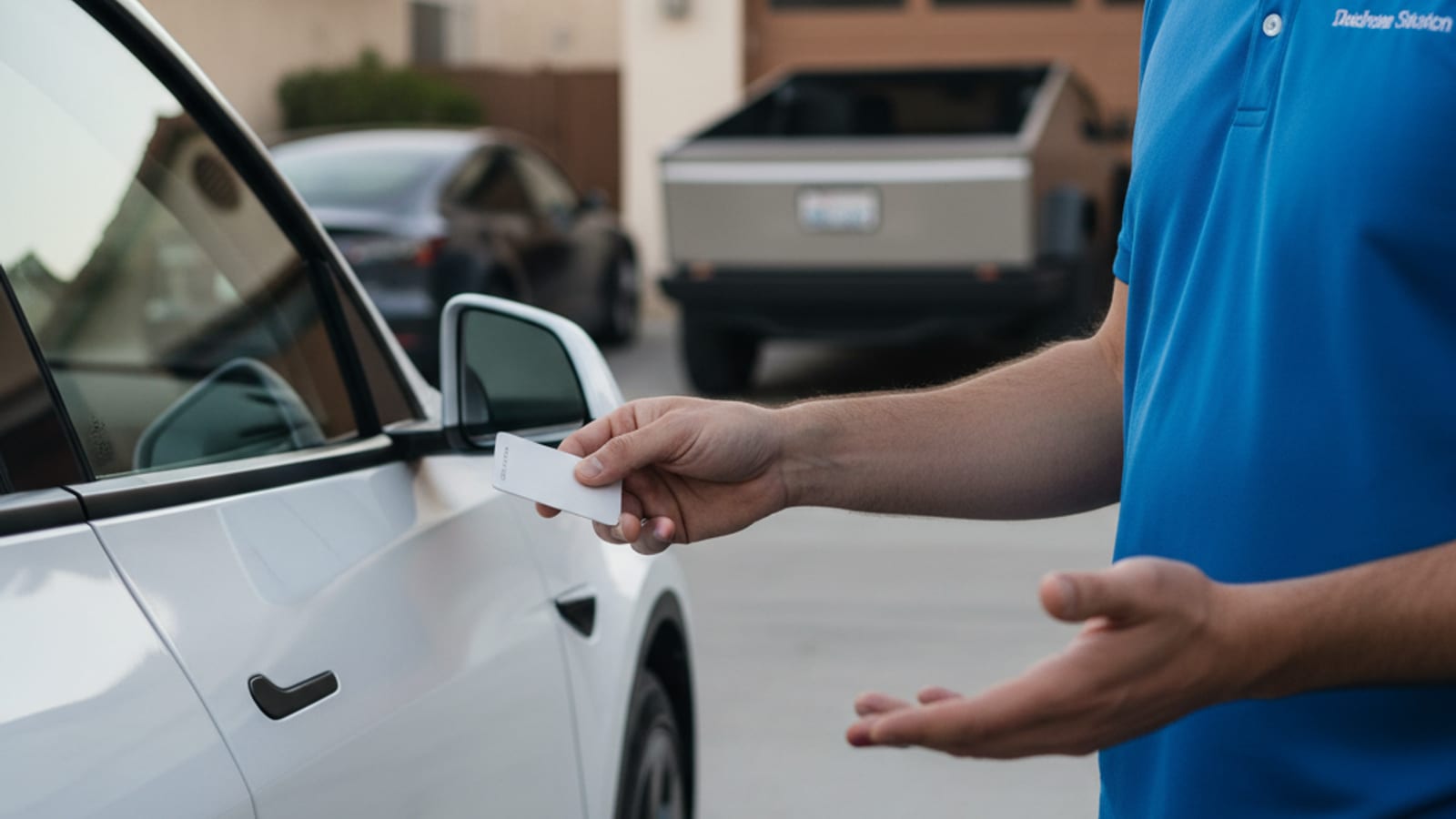
Orange County had 138,121 Teslas registered as of December 31, 2025. The California Energy Commission published that count. That’s 65.51% of the county’s battery-electric fleet. A quiet car in Anaheim, Irvine, or Huntington Beach isn’t rare here.
The county had 7,095 public charging ports and 260,833 ZEVs. That’s 36.8 ZEVs per public port, against 24.4 statewide. If you can’t roll to a stall, stay with the car.
Empty pack after a long sit in the lot
You last saw a low number on the dash. Then Sentry ran for hours in an Irvine garage. Or the car sat in an Anaheim structure near Katella. You come back, and it won’t roll.
The screen can still wake. It may tell you to plug in. Range can read zero, or a pair of dashes. Tesla won’t let the traction pack hit a true empty. It’ll still refuse Drive.
If the car will take a plug, use one. A home Wall Connector, a lot Level 2, or a Supercharger all count. Anaheim has Superchargers at 2404 E Katella Ave and along Lincoln. Huntington Beach has 24 stalls at 6913 Warner Ave. Irvine’s site at 1920 Main St has 40 stalls.
If you can’t reach a stall from the space you’re in, stay put. An operator we connect you with can bring a 240V Level 2 source to the bumper. Teslas take a native NACS plug. A typical session adds 10 to 20 miles of range in 15 to 30 minutes of charging. That’s charging time, not an arrival time.
Tesla’s Model Y owner’s manual is clear on a pack that’s truly spent. The low-voltage battery can lose support once range is exhausted. You may need external power before the high-voltage pack will take a charge. That’s why an empty pack and a dead 12-volt can look the same. If you’re unsure which one you have, start with our pack versus 12V split.
On a grade, a canyon road, or a toll-road shoulder, don’t walk toward a plaza. Stay with the car, then charge. Tesla at zero on an Orange County road covers that choice. Yorba Linda Superchargers sit on Yorba Linda Blvd if the car will still roll.
A 12-volt that won’t wake the car
Door handles stay flush. The screen’s black through the glass. Turn signals ignore you. The app says the vehicle is offline. The frunk won’t open from the phone.
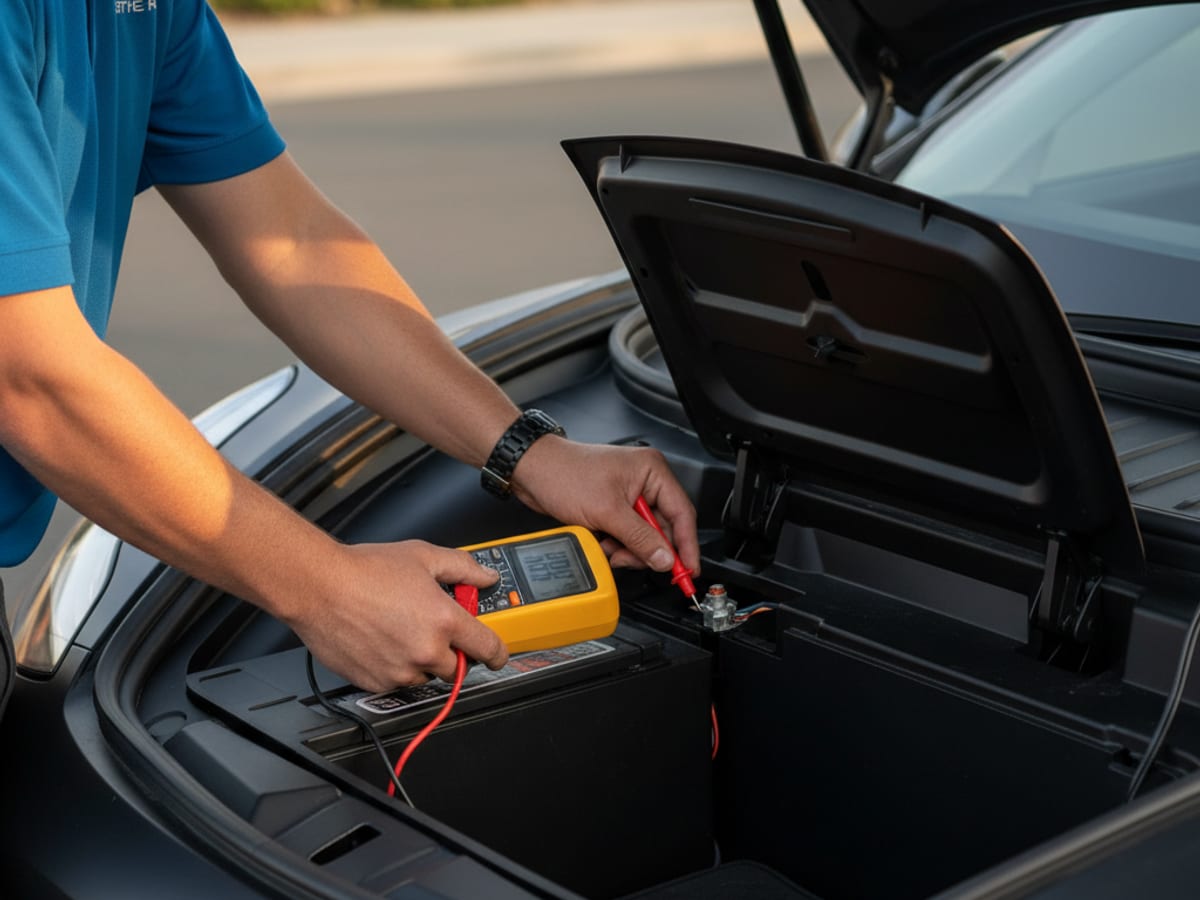
That’s the 12-volt, not the big pack. Teslas need that small battery to close contactors and wake the computers. Without it, a healthy pack still sits like a brick.
Rule it out before you assume a tow. Jump from the tow-eye posts on a Model 3 or Y. Older Model S and X use the front fascia posts. Use a lithium jump pack, and don’t clip onto another car. Walk through how to tell your Tesla 12V is dead, then jump it. Use the model-by-model jump guide for post locations by car.
If it wakes and stays awake, plug in at home or drive to a charger. The car’s DC-DC converter can top the 12-volt once the systems are live. If it dies again on the next sit, the 12-volt is finished. A local operator can jump or replace that 12-volt on site. They quote before they start, and they bill you directly.
Tesla lists service in Anaheim, Irvine, Santa Ana, Costa Mesa, Buena Park, and Aliso Viejo. Street addresses couldn’t be confirmed from a live Tesla page during this research pass. Check tesla.com/findus for the current pin before you navigate.
A charge cable still locked in the port
You meant to leave. The car won’t shift. The port light’s on. The screen says unplug to drive. The connector’s still in the car.
Tap the release on the handle first. That works on a Mobile Connector, a Wall Connector, and a Supercharger handle. If the car-side latch stays shut, use the manual release. On Model 3 and Y it’s in the trunk, behind a small passenger-side trim panel. On Model S and X, look in the taillight area.
Don’t yank the handle. Walk through how to free an EV charge cable that’s stuck in the port. Garden Grove’s Harbor Blvd Supercharger has 32 stalls. San Clemente’s Avenida Vista Hermosa site has 49. A stuck latch still leaves you in the bay until you release it.
PIN to Drive is blocking the shifter
The car’s awake. The screen works. You get a four-digit keypad instead of Drive.
Enter the PIN. If you forgot it, reset it from the Tesla app. Open Safety, then Security, then PIN to Drive, while the car is online. You can do the same on Tesla’s account site from another logged-in device. If you’re locked out of the account too, that’s a Tesla service visit. Bring proof of ownership.
No roadside operator can bypass this. Tesla built it that way.
Valet mode left on from a drop-off
Valet mode’s easy to miss after a Newport Beach or Anaheim handoff. The car does start. It just feels wrong. Speed’s capped. The frunk stays locked. Your home address stays hidden. The glovebox won’t open.
Tap the driver profile on the screen, then Valet. Enter the PIN you set. If that fails, reset it from a logged-in app while the car is online.
This isn’t a true no-start. It only feels like one on a merge onto the 405 or the 5.
An electronic parking brake that won’t let go
You press the brake and select Drive. The car stays planted. A red brake lamp’s on. You may hear a click. The wheels don’t roll.
Shift back to Park. On Model 3 and Y, hold the right-stalk button for a few seconds. That’s the manual parking-brake toggle. On refreshed Model S and X with no stalks, open Controls, then Safety, then Parking Brake. Try Drive again.
If it still holds after a long sit, stop forcing it. That’s a shop job, not a lot trick.
A firmware update stuck mid-install
Teslas stage updates in the background. If the car lost power mid-install, you can get a frozen progress bar. Or an update error that never clears.
Hold both steering-wheel scroll wheels for about ten seconds. The screen goes black, then returns. That’s a soft reboot. If nothing changes, hold the brake pedal and both scroll wheels together for a longer reset.
Then wait, and don’t open kick panels or pull fuses. Don’t disconnect the 12-volt while an update is trying to finish. Let the car sit after the reboot before you escalate. Tesla service can push a recovery if it’s still stuck. That’s an appointment, not a curb repair.
What the seven checks look like side by side
| What you see | Start here |
|---|---|
| Black screen, flush handles, app offline | Jump the 12-volt |
| ”Unable to drive, plug in” or zero range | Charge the pack |
| ”Unplug to drive,” cable in the port | Release the latch |
| Four-digit keypad | PIN to Drive |
| Starts, but speed capped and frunk locked | Valet mode |
| Red brake lamp, won’t roll | Parking brake toggle |
| Frozen update bar | Scroll-wheel reboot |
When to stop and call
Stop DIY if the 12-volt is dead and you have no jump pack. Stop if it wakes, then dies again on the next sit. Stop if you smell burning, see smoke, or get an orange high-voltage warning. Stop if the pack is at zero and you can’t plug in where you sit.
Charge Pro OC’s a referral line. It doesn’t own trucks, and it doesn’t do the work. It matches you with an independent local operator. That operator quotes before starting. They bill you directly. They can jump or replace a 12-volt on site. They can add range with 240V Level 2 at the bumper. Tesla and every major EV brand are in scope.
Tesla Roadside Assistance publishes 877-798-3752 on its Santa Ana service page. Tesla’s path for a depleted pack is transport, not a charge at the car. Confirm the current wording on Tesla’s own roadside page before you assume what they’ll send.
For the local referral, call (949) 444-0151. If a reboot or a PIN is the whole problem, say that on the phone. Tesla roadside rescue explains the match. Tesla 12V battery jump is the path when the car is fully dark.